Your estate, right on your phone.
Open the gate, send a visitor pass, report a problem, receive estate notices, book facilities, and get help when you need it.
Everything you need for everyday estate life
Key features designed for straightforward daily use on your phone.
1. Home
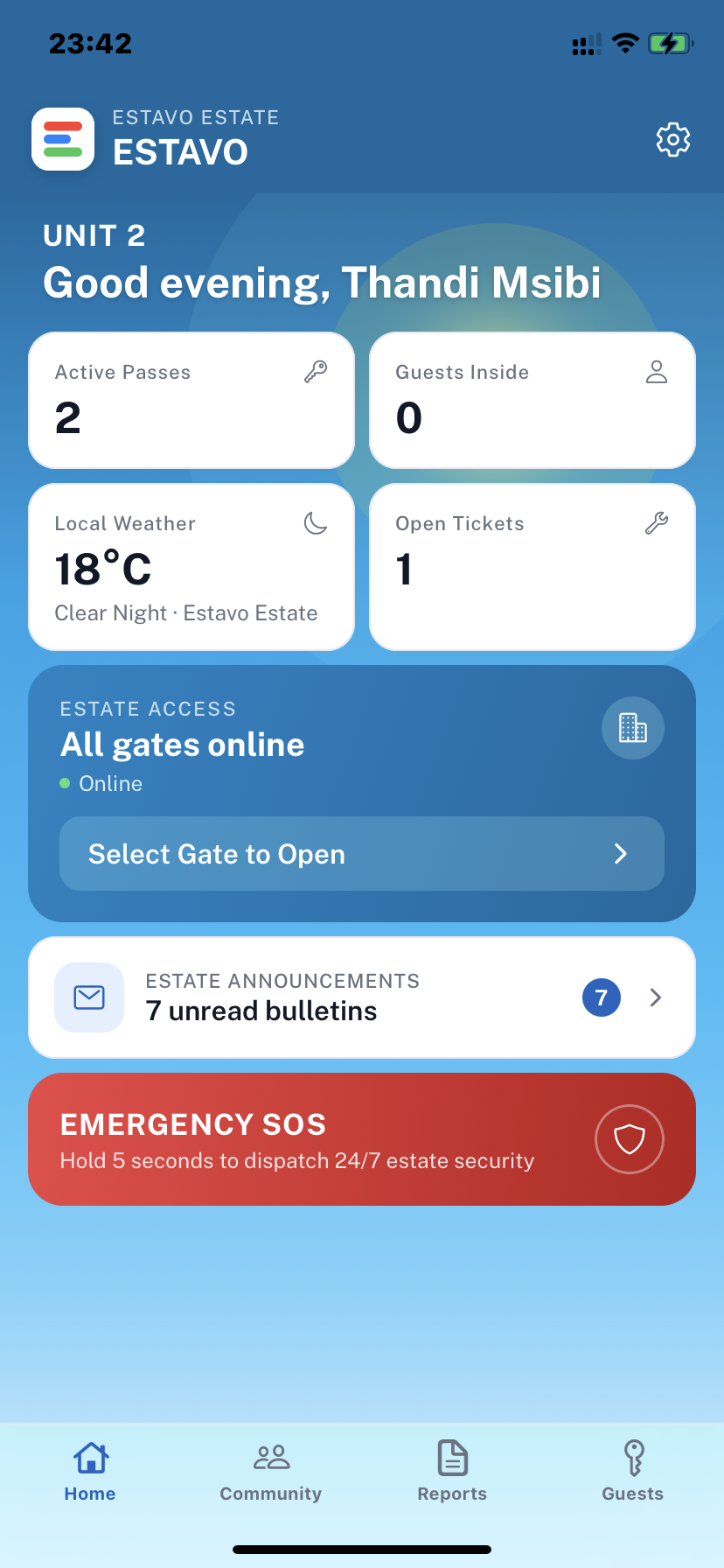
See gate access, active visitor passes, your levy balance, important estate notices, and security alerts from one screen.
2. Gate Control
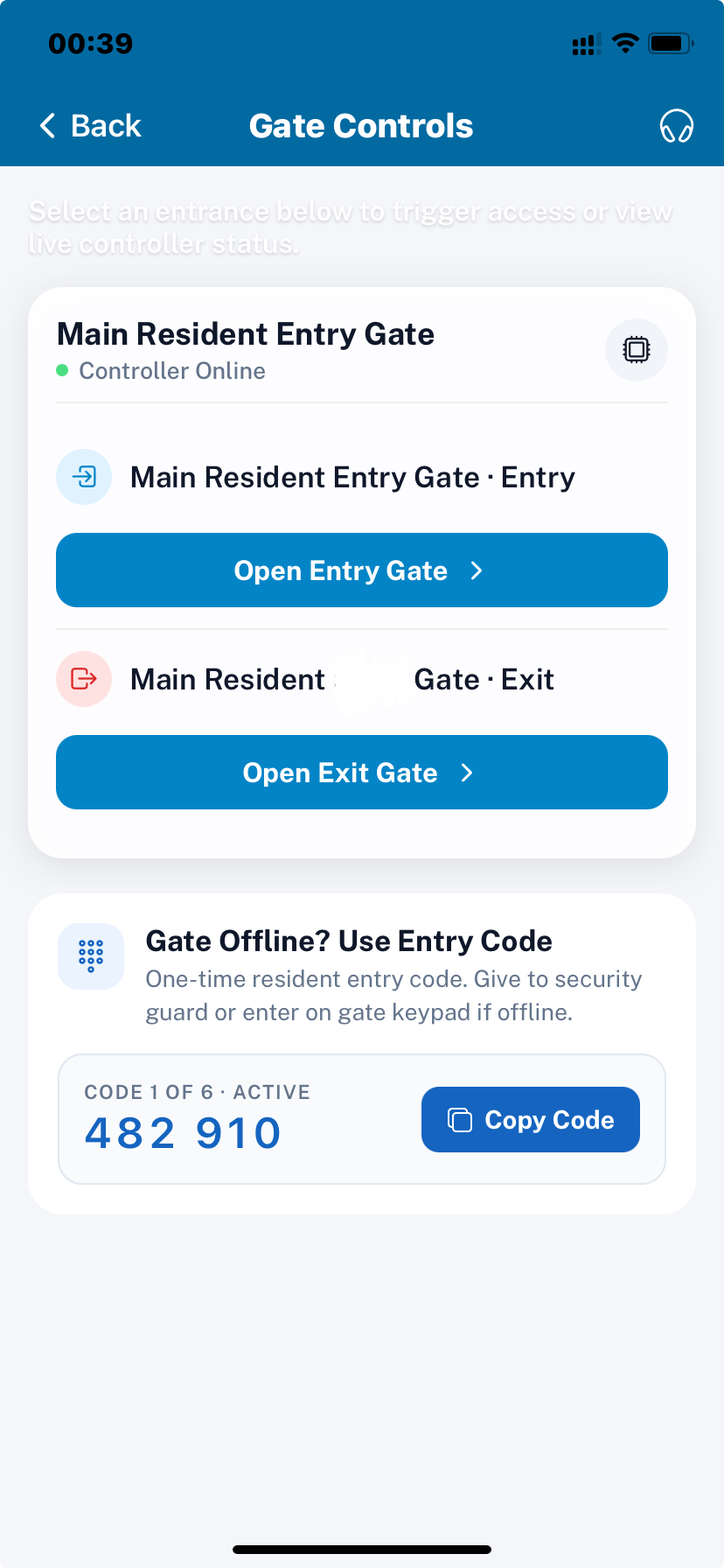
Open the gate or boom from your phone where the estate has enabled mobile access. You can also use the app to manage access for arriving visitors.
3. Emergency Alert
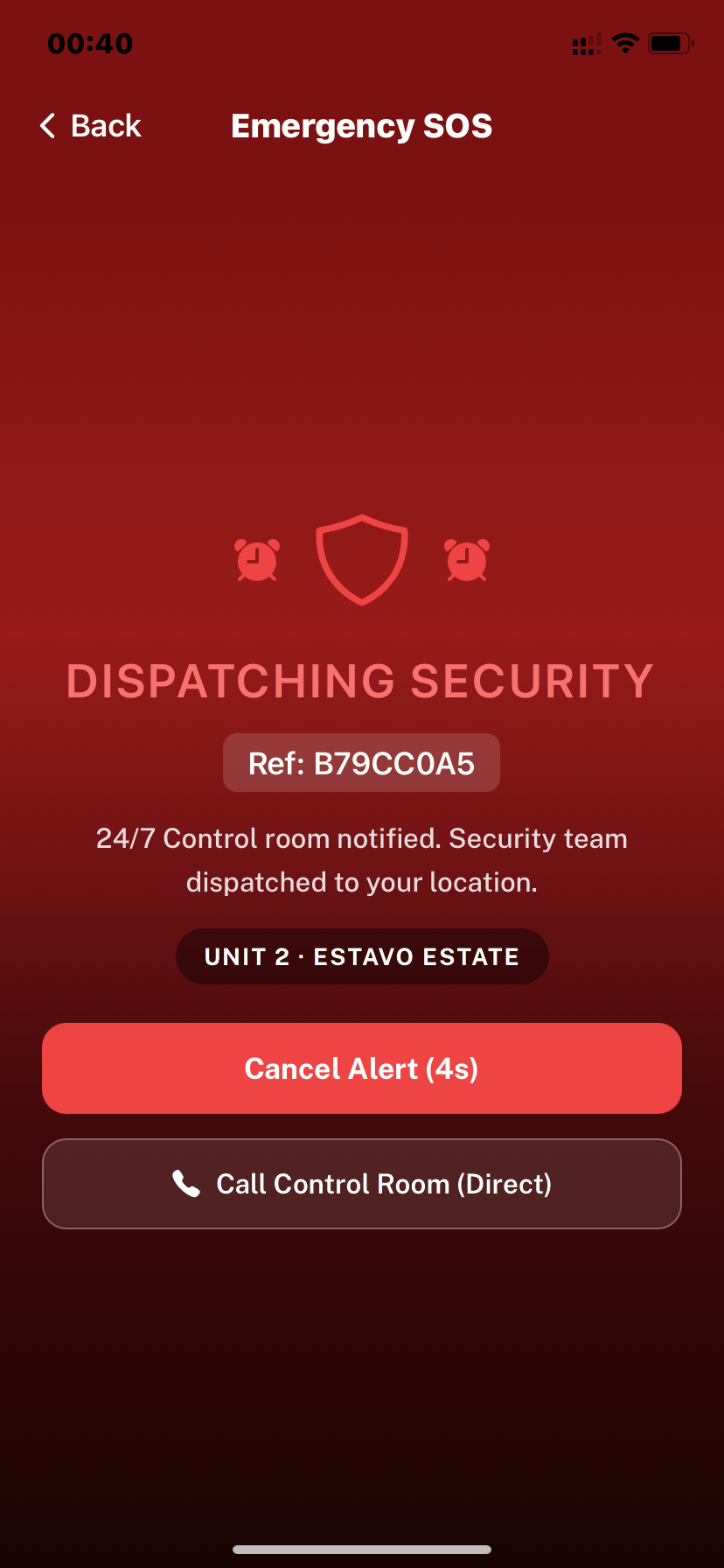
Hold the emergency button for three seconds to send an alert to security. The extra hold helps prevent accidental alerts. The alert can include the resident and unit information needed by security to respond.
4. Community
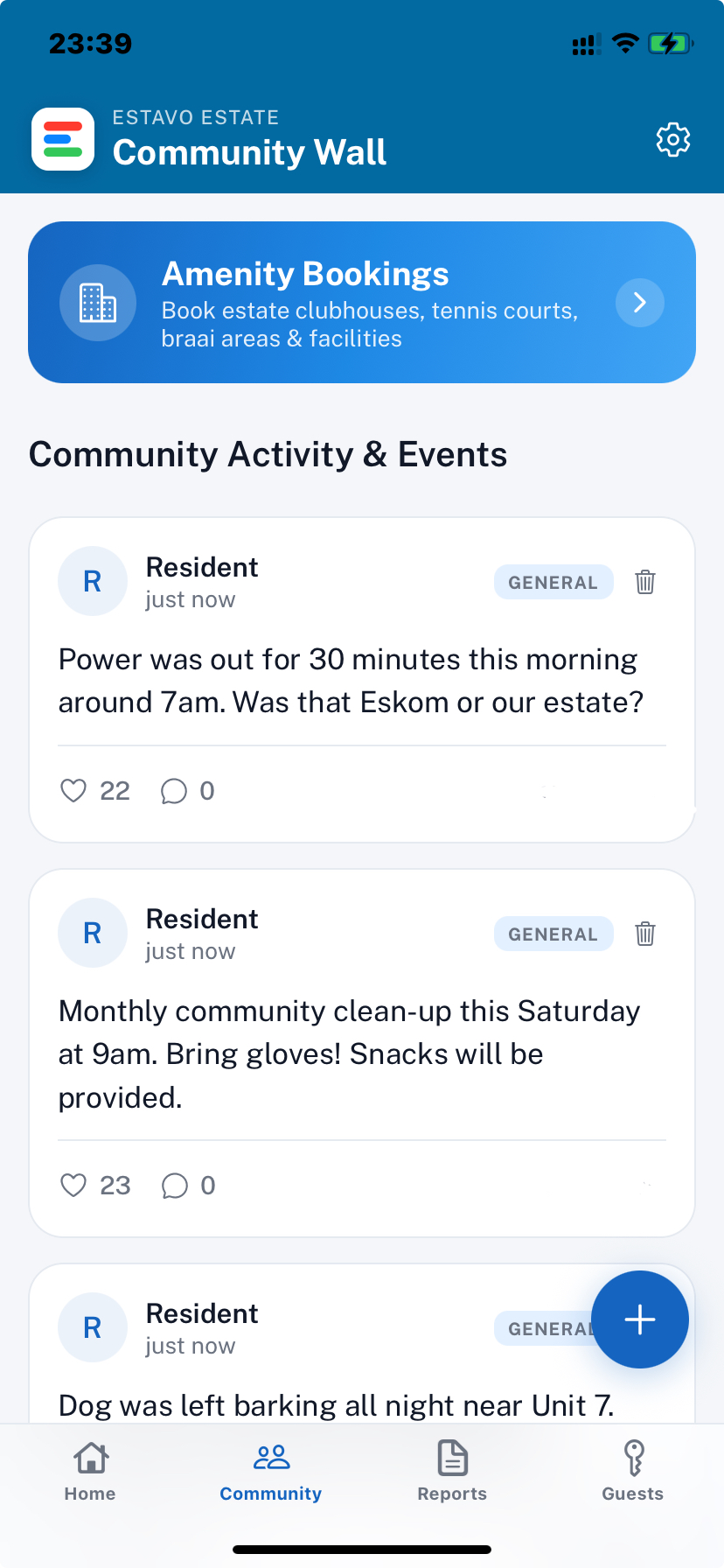
Book shared facilities such as clubhouses, courts, and braai areas. See estate events and use the community board for things such as lost pets, local services, and estate announcements. Your phone number and private details are not shown to other residents.
5. Notices
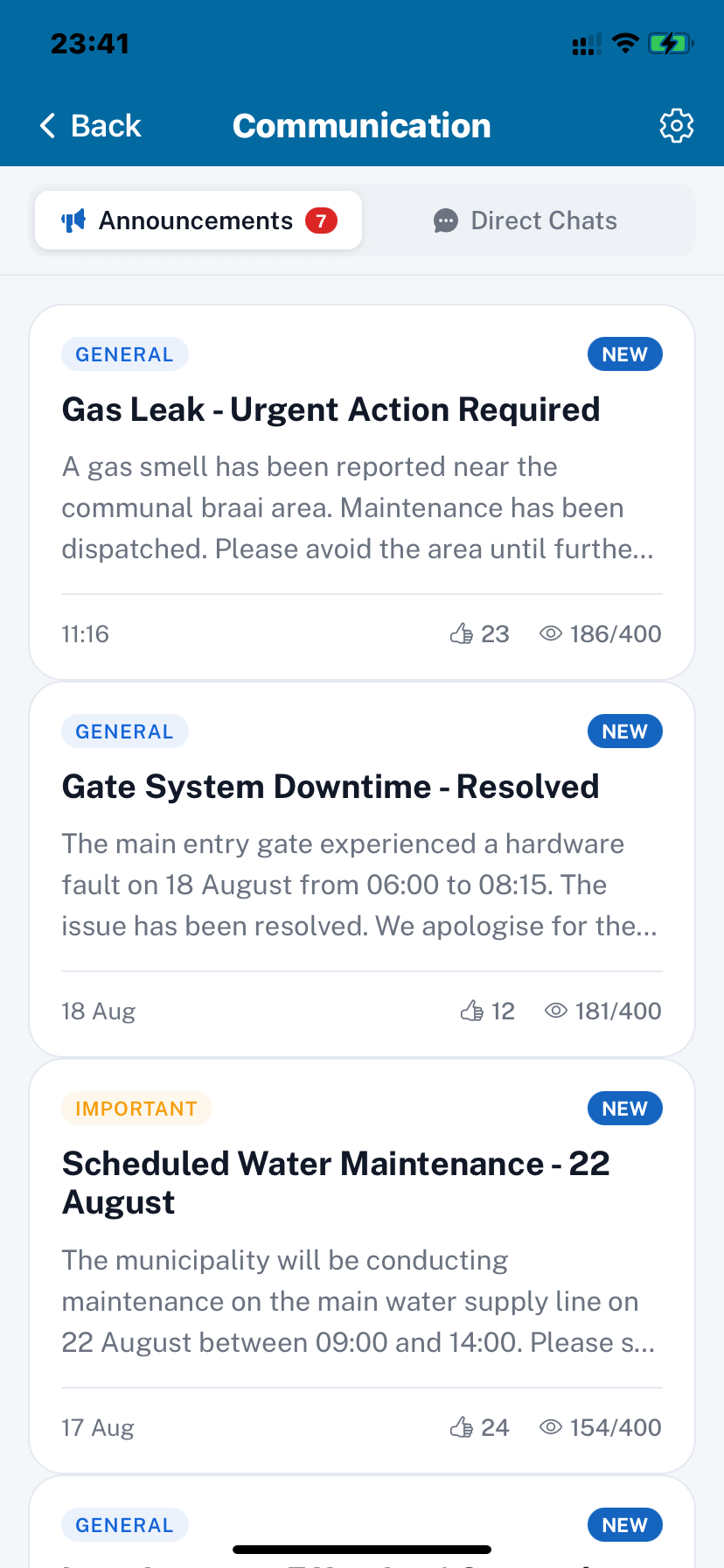
Receive official estate updates about outages, maintenance, security matters, and other important information. You can also communicate directly with estate management.
6. Maintenance
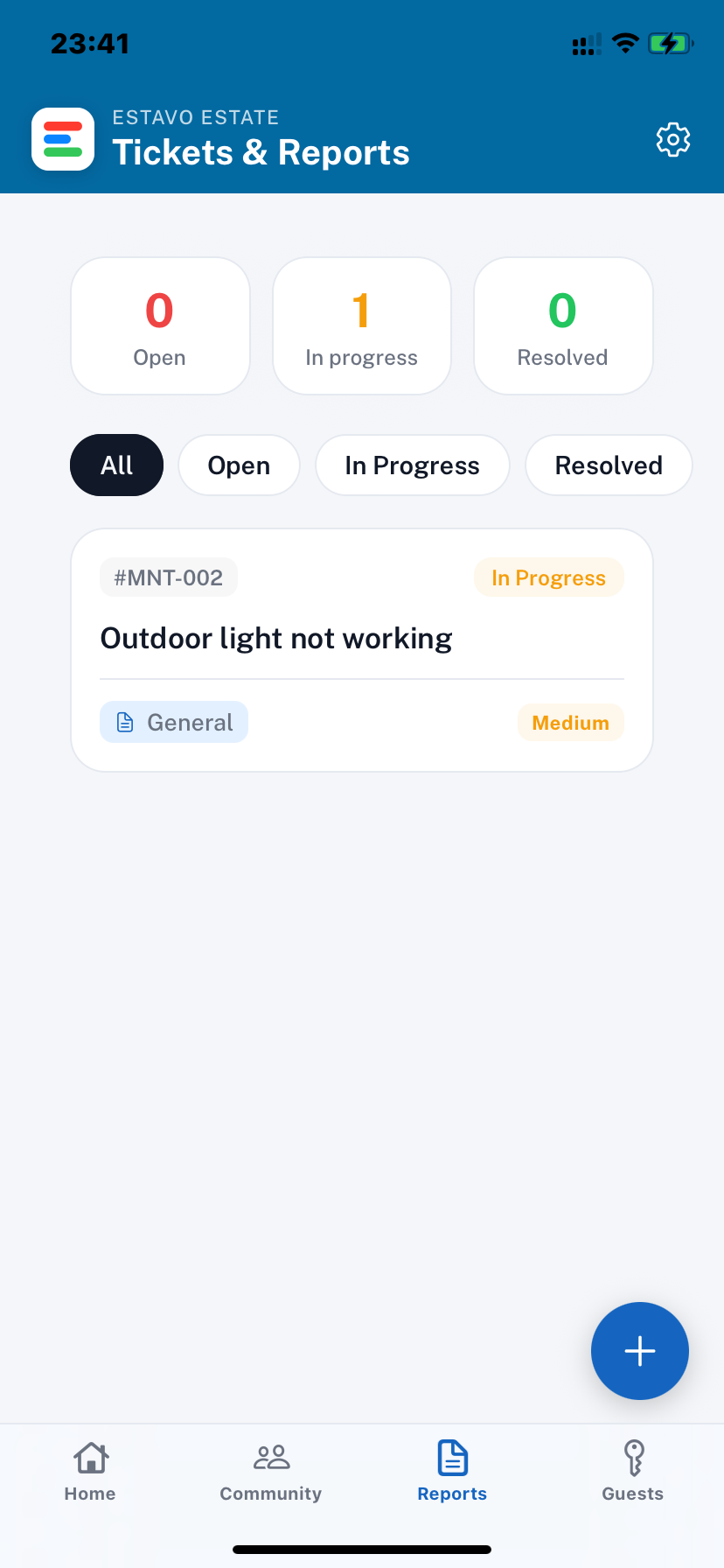
See a problem? Take a photo and report it through the app. The report goes to management and can be followed through its different stages: Submitted → Contractor Assigned → In Progress → Resolved. Past maintenance reports remain available as part of the estate's record.
7. Guest Access
Create a visitor pass for: One entry, A full day, or A date range. Add the visitor's vehicle registration when needed and cancel the pass if your plans change.
8. QR Code & PIN
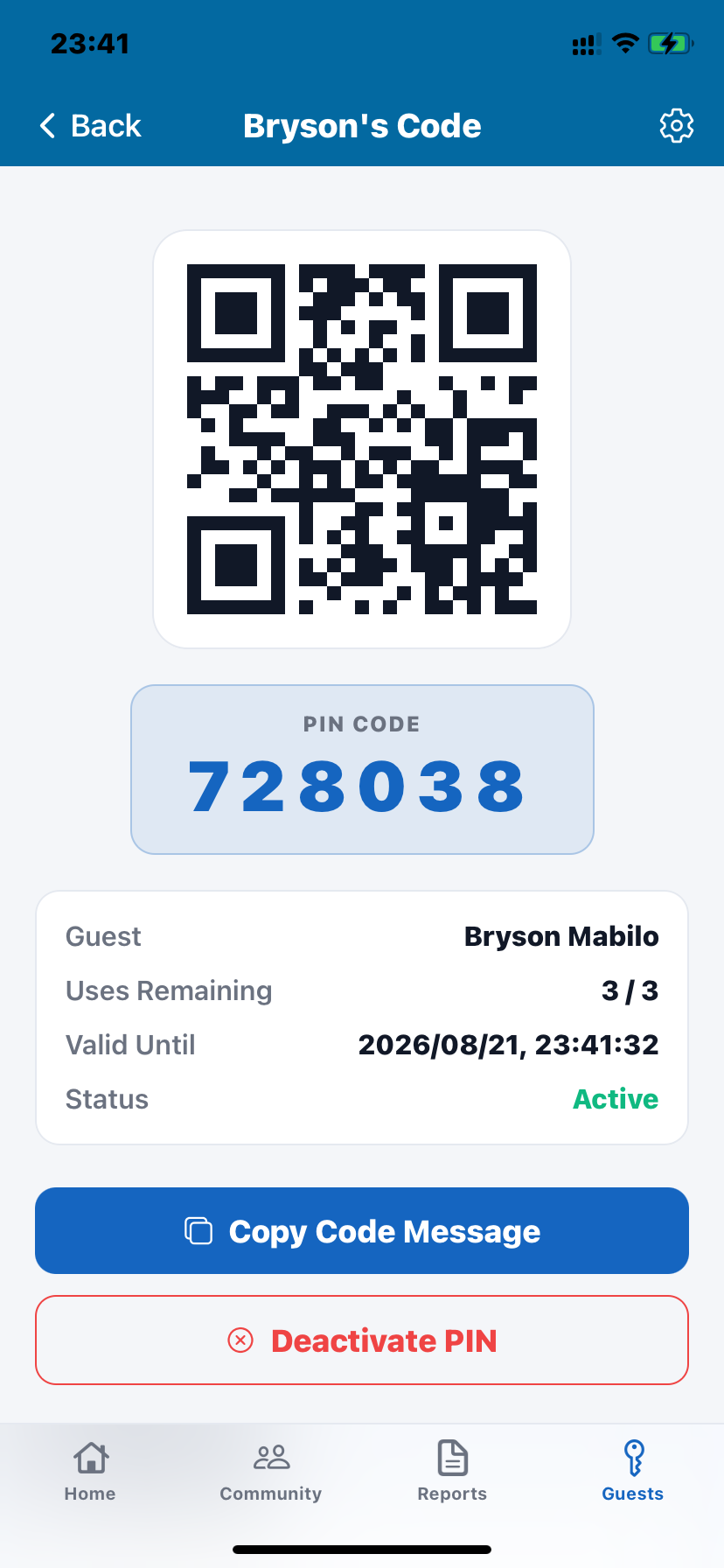
Each visitor pass includes a six-digit PIN and a QR code. Send the pass to your visitor through WhatsApp or SMS. The pass also shows when it becomes valid and when it expires.
Why residents use it
Visitors don't need to call the gatehouse
Send their access details before they arrive.
Emergency help is close by
Hold the emergency button and the alert is sent to the estate's security team.
You can follow maintenance yourself
Report the problem once, attach a photo, and see whether it has been assigned, worked on, or resolved.
Important estate information is easier to find
Official notices stay in the app instead of being buried under unrelated messages.
Questions residents ask
What if my visitor doesn't have a smartphone?
Their visitor pass also includes a six-digit PIN. They can give the PIN to the guard or enter it where the estate's access system supports keypad entry.
What stops me from triggering the emergency alert by accident?
The emergency button requires a three-second hold before the alert is sent.
Can other residents see my phone number?
No. Your phone number and private unit information are kept out of the community area.
Can other residents see my vehicle information?
Vehicle information is not displayed as public community information.
Can residents book estate facilities?
Yes, where the estate has enabled facility bookings. Residents can book shared facilities such as clubhouses, courts, and braai areas through the app.
Is Estavo available on iPhone and Android?
Yes. The resident app is designed for both iOS and Android and supports push notifications.